
Instant Passport OCR Scanner
Stop typing passport details. Our AI accurately reads the MRZ (Machine-Readable Zone) to instantly extract names, numbers, and dates. Secure, free, and no registration needed.
Try the Secure Passport Scanner
Upload a clear image of a passport's data page. For your privacy and security, we recommend using a sample image or a redacted copy for testing.
How it Works
Our AI focuses on the two lines of text at the bottom of the passport (the ICAO standard MRZ) to ensure the highest accuracy and reliability for data extraction.
⚡️ Performance Tips:
- Smaller files process faster (keep resolution reasonable)
- PDF uploads are limited to the first page. Multi-page support is a coming Pro feature.Join the waitlist!
- Ensure the image has good lighting and is in focus
- For handwritten notes, clear and distinct writing works best
How to Extract Passport Data in 3 Steps
Go from a passport photo to structured, usable data in seconds.
1. Upload a Clear Passport Image
Drag & drop or select an image of the passport's main data page. Ensure the MRZ at the bottom is clear and without glare.

2. AI Scans the Machine-Readable Zone
Our AI automatically detects the MRZ, scans the two lines of text, and validates the data using internal checksums.

3. Copy the Structured Data
Get the extracted information as clean, organized text or structured JSON, ready for any form or system.

Streamline Processes with Automated Passport Scanning
Discover how industries rely on passport OCR to speed up operations, reduce errors, and enhance security.
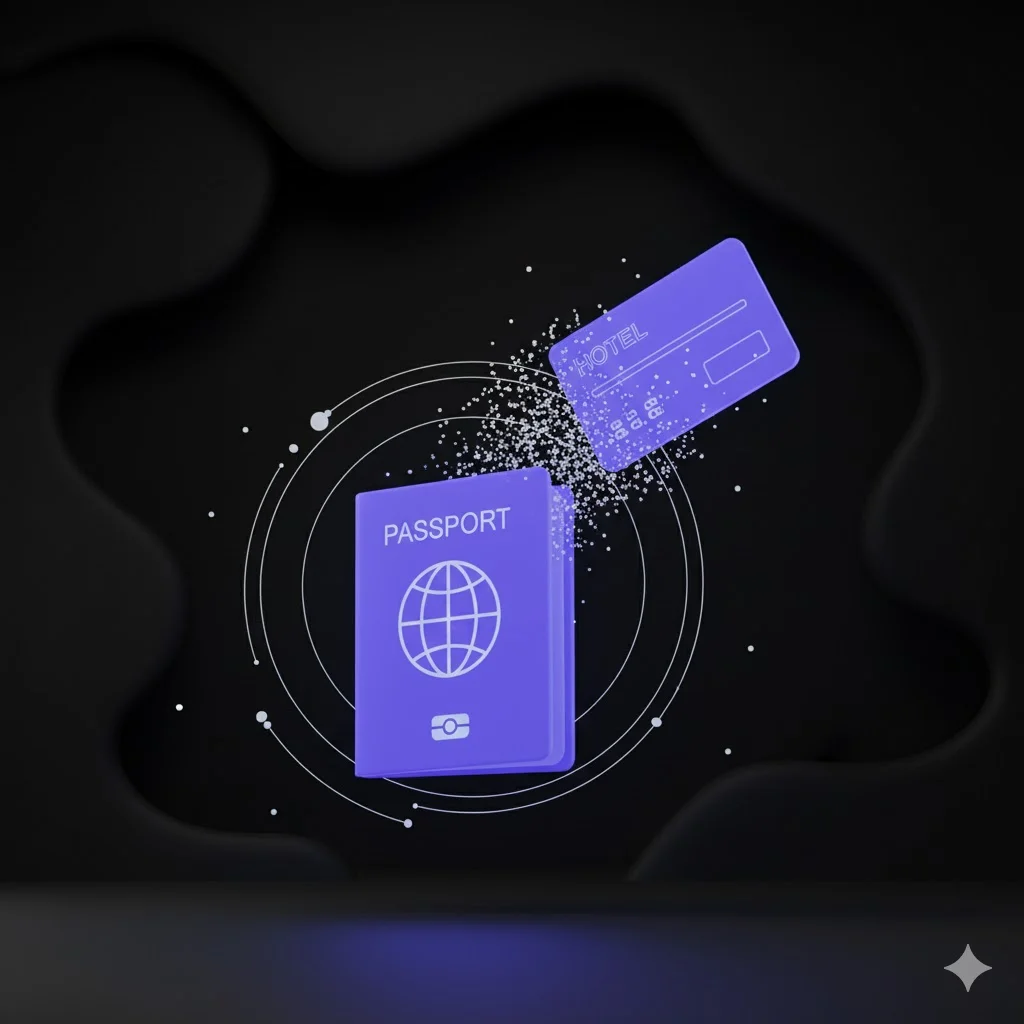
Travel & Hospitality
A hotel receptionist uses a tablet to snap a photo of a guest's passport. The data is instantly extracted and auto-fills the registration form, reducing check-in time from minutes to seconds and minimizing human error.

Fintech & KYC
A user signing up for a new fintech app is prompted to upload a picture of their passport. The OCR tool instantly extracts their details, cross-referencing them to verify their identity and fulfill KYC (Know Your Customer) obligations seamlessly.

Human Resources
An HR manager onboarding a new employee from overseas scans their passport. The tool accurately captures the full name, passport number, and expiry date, ensuring all records for immigration and payroll are 100% correct from day one.
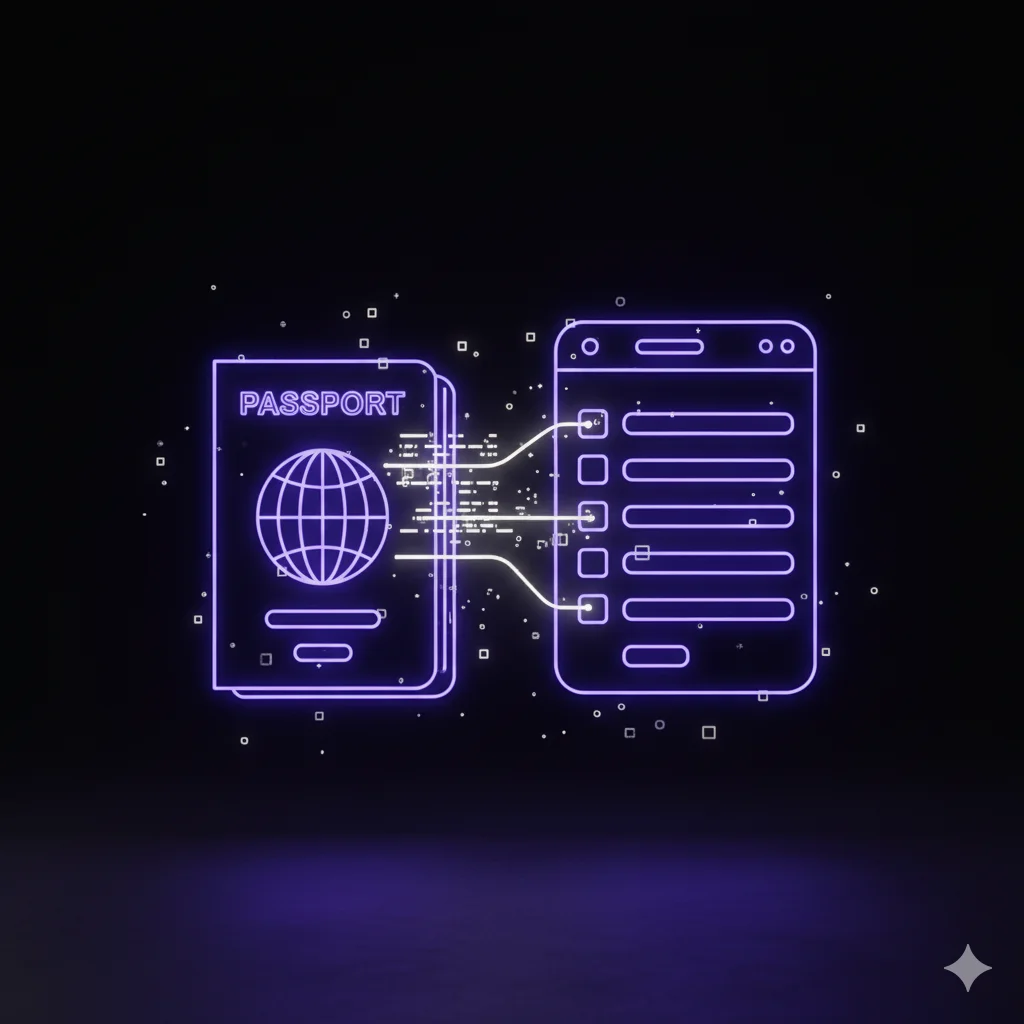
Personal Use
Someone applying for a travel visa online uses the Passport OCR tool to extract their own information. They can then copy and paste the details directly into the application form, guaranteeing the passport number and dates are correct.
Designed for Accuracy, Security, and Speed
Our Passport OCR tool is built with cutting-edge technology to provide reliable and safe data extraction.
High-Accuracy MRZ Recognition
Our AI is specifically trained to read the ICAO 9303 standard Machine-Readable Zone (MRZ) found on all international passports, ensuring the highest level of accuracy.
Privacy First: Your Data is Never Stored
Security is non-negotiable. Images are processed in memory and are permanently deleted the moment the OCR process is complete. We never save your passport information.
Structured JSON Output
Receive data in a clean, organized JSON format, parsed into logical fields (e.g., "surname", "passport_number", "date_of_birth"). Perfect for developers and system integration.
Built-in Error Checking
The MRZ contains checksum digits for self-validation. Our tool automatically verifies these checksums to flag potential misreads and significantly increase the reliability of the output.
Global Standard Compliant
The tool is designed to work with passports from all over the world, adhering to the international ICAO standards for travel documents.
Business-Ready API (Coming Soon)
Integrate our powerful passport scanning technology directly into your own applications, websites, or workflows with our upcoming developer API.
Frequently Asked Questions about Passport OCR
Explore More OCR Tools
From formula recognition to invoice extraction, find the OCR solution that fits your needs

AI OCR
AI poweres text extraction from any image or PDF

Formula OCR
Instantly convert math equations from images to editable LaTeX.

Handwriting OCR
Handwritten notes to editable text

Image OCR
Instantly convert any image to text

Invoice OCR
Extract invoice data automatically

OCR Scanner
Scan documents, images, and photos to editable text

PDF OCR
Convert PDFs and scanned documents to text

Receipt OCR
Extract data from receipts automatically
Eliminate Manual Entry Errors and Save Time
Securely scan and extract passport information in an instant. Get started now with the most reliable free passport OCR tool online.