
Intelligent PDF OCR
Convert your PDFs and scanned documents into editable text or structured Markdown. Our AI preserves the original layout, including columns and tables. 100% free for single-page documents.
Try PDF to Text Converter Instantly
Drag and drop a single-page PDF or a scanned document image to see it in action. Experience the layout-aware difference.
How It Works
Upload your document. Our AI engine reads the scanned text and analyzes the structure, converting it into clean, usable text or Markdown while keeping the format intact.
⚡️ Performance Tips:
- Smaller files process faster (keep resolution reasonable)
- PDF uploads are limited to the first page. Multi-page support is a coming Pro feature.Join the waitlist!
- Ensure the image has good lighting and is in focus
- For handwritten notes, clear and distinct writing works best
How to Extract Text from PDF in 3 Simple Steps
Our intuitive interface makes converting your PDF documents to editable text completely effortless.
1. Upload Your PDF Document
Drag & drop your PDF file or click to select. Supports scanned PDFs, digitized documents, and multi-page files.

2. AI Analyzes Each Page
Click "Extract Text" and our AI will process each page of your PDF, recognizing text while preserving the original layout and structure.

3. Download or Copy Your Text
Your extracted text is ready. Download as a text file or searchable PDF, or copy directly to your clipboard for immediate use.

From Static Documents to Dynamic Data
Discover how our PDF OCR tool eliminates manual data entry and unlocks information trapped in your documents.

Legal Documents
A paralegal needs to review a 50-page scanned contract but only needs to find clauses related to termination. Instead of reading the whole document, they OCR a key page, making the text instantly searchable and copyable for their report.
Financial Reports
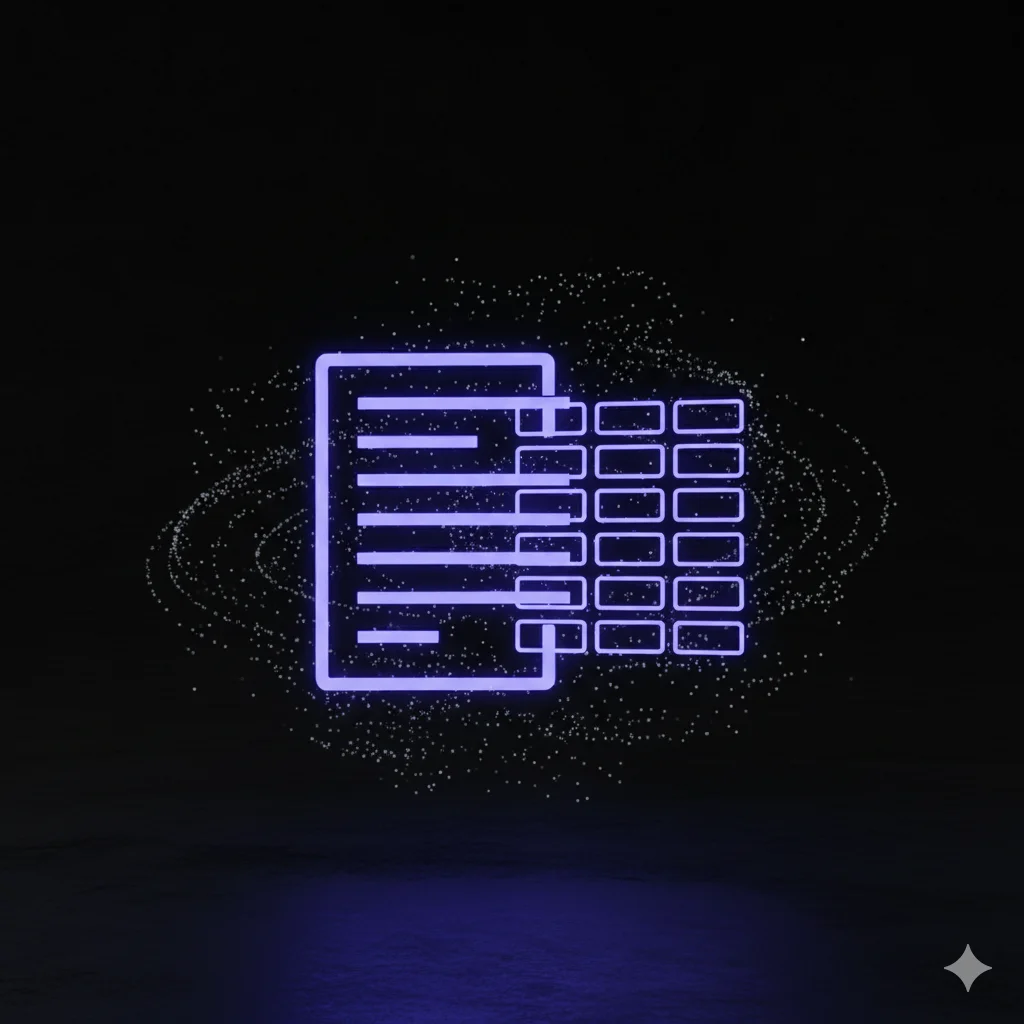
An analyst receives a quarterly earnings report as a scanned PDF. They use the PDF OCR tool to extract a crucial data table, which they can then paste directly into Excel for analysis, saving over an hour of manual data entry.

Academic Research
A historian is working with a collection of scanned letters from the 19th century. By using the document OCR, they convert the images of the letters into digital text, allowing them to search the entire collection for specific names, dates, and places.

Office Administration
An office manager is tasked with digitizing years of printed internal memos. They scan the documents to PDF and use the OCR tool to create text-based versions, making the company's entire history of internal communications instantly searchable.
Advanced Document OCR Features You'll Love
We focused on solving the most frustrating parts of document conversion to deliver a tool that just works.
High-Fidelity Scanned Document Recognition
Our OCR is optimized for scanned documents, effectively handling variations in lighting, page skew, and print quality to deliver the most accurate results possible.
Layout-Preserving Conversion
Tired of OCR tools that produce a single wall of text? We recognize columns, paragraphs, and headings to maintain the original document's readability and structure.
Accurate Table Data Extraction
Stop re-creating tables by hand. Our AI identifies tabular structures within your PDF and extracts the data in a clean format you can copy into any spreadsheet.
Transparently Free, No Bait-and-Switch
Our tool is genuinely free for single-page PDFs. We don't ask for your credit card or surprise you with hidden limits. For multi-page PDFs, join the waitlist for our upcoming Pro plan!
Global Document Support
From business contracts in German to historical texts in Japanese, our tool can recognize and process documents in over 100 languages with high accuracy.
Privacy-Focused Processing
We know your documents are sensitive. All uploaded files are processed securely and are permanently deleted from our servers after the conversion is complete.
PDF & Document OCR: Frequently Asked Questions
Explore More OCR Tools
From formula recognition to invoice extraction, find the OCR solution that fits your needs

AI OCR
AI poweres text extraction from any image or PDF

Formula OCR
Instantly convert math equations from images to editable LaTeX.

Handwriting OCR
Handwritten notes to editable text

Image OCR
Instantly convert any image to text

Invoice OCR
Extract invoice data automatically

OCR Scanner
Scan documents, images, and photos to editable text
Passport OCR
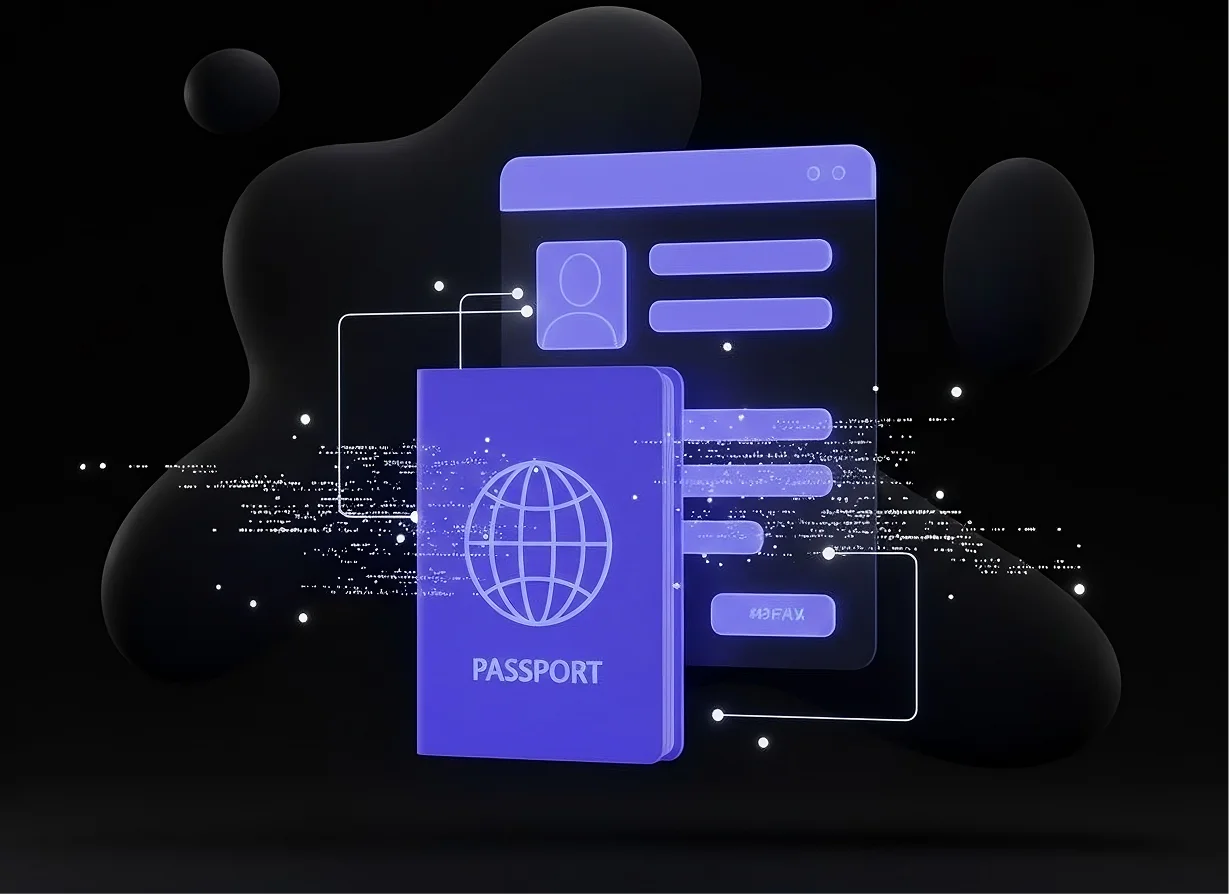
Free Extract Passport Details

Receipt OCR
Extract data from receipts automatically
Stop Retyping. Start Converting.
Unlock the text within your scanned documents and PDFs. Save time, reduce errors, and make your information searchable and editable today.